UVC
File history vs backup: what each one protects you from
Opinionated Works 1 min read
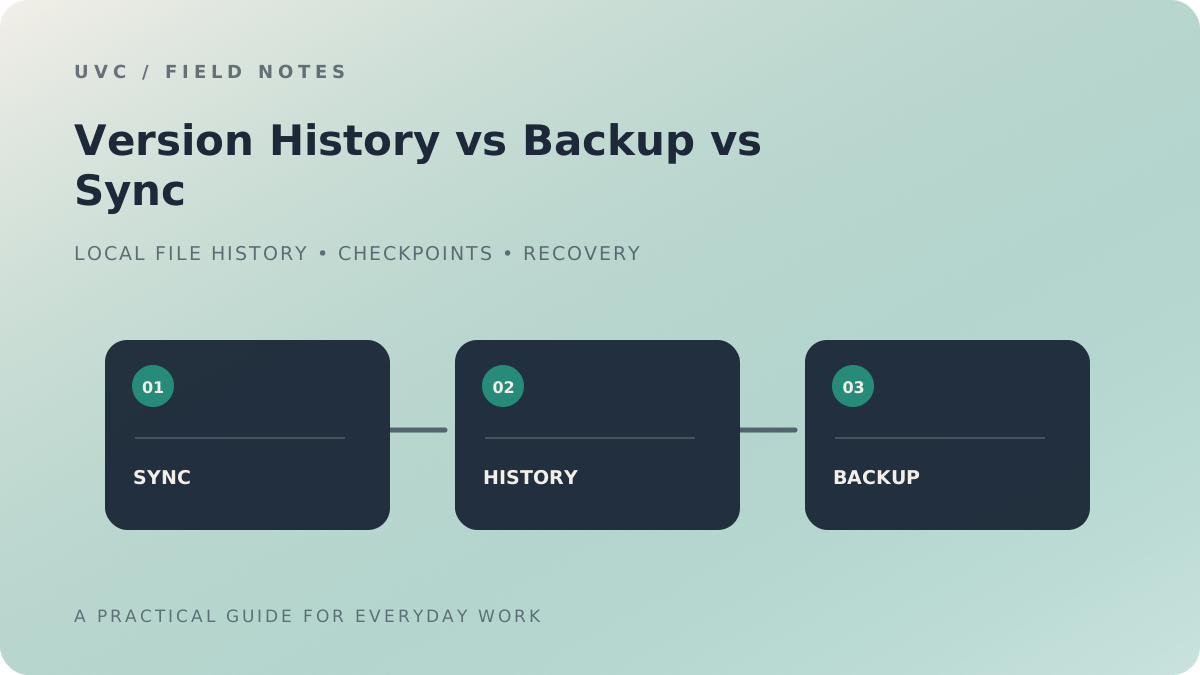
People often use "backup" and "version history" as if they meant the same thing. They protect you from different problems.
What a backup is for
A backup is a copy of your files kept somewhere else: another drive, another computer or the cloud. It protects you when something happens to the machine or the drive itself, such as a failure, theft or damage. If your PC is gone, a backup is how you get your work back.
What file history is for
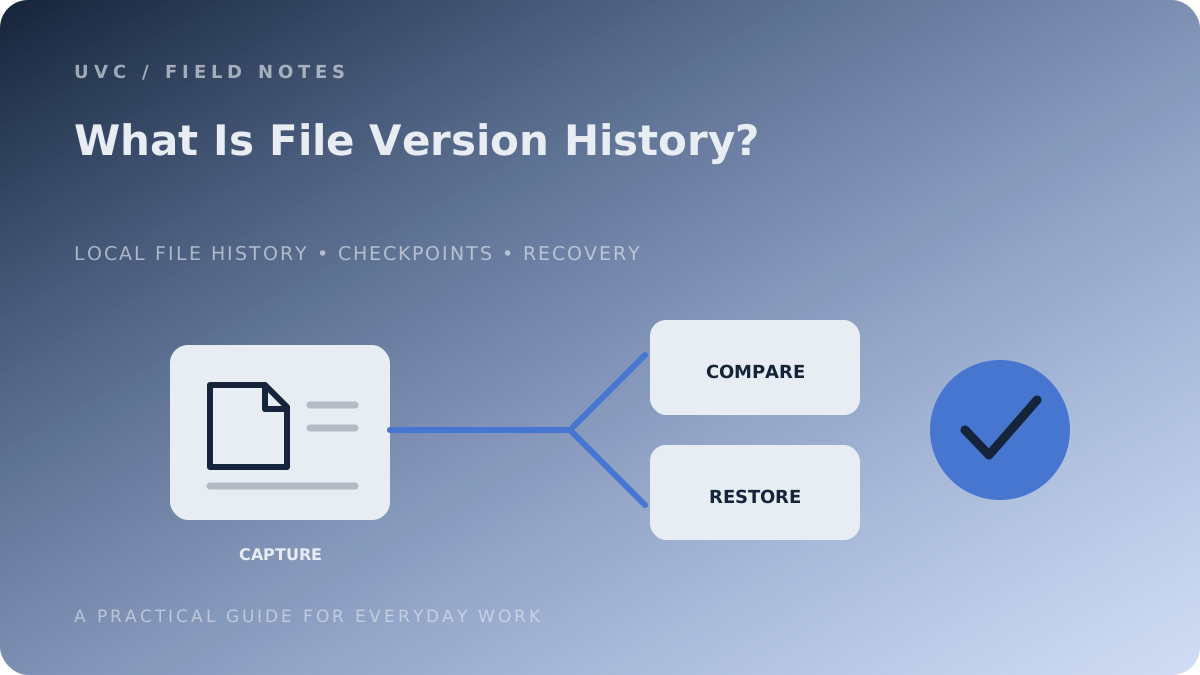
File history keeps earlier states of the same file. It protects you from a different kind of loss: the good version you overwrote, the chapter you rewrote and regret, or the direction that didn't work out. It is the difference between "my files are safe" and "my draft from Tuesday is safe".
Where UVC fits
UVC for Windows is file history for Project folders. You add a folder as a Project, keep working in the applications you already use, and UVC keeps a local history of its files. You can inspect an earlier Checkpoint and choose what to restore.
That history stays on your PC. So UVC is not a backup and does not replace one.
The short version
| Question | Backup | File history |
|---|---|---|
| Protects against a lost or damaged computer | Yes | No, if the history lives on the same PC |
| Lets you return to an earlier draft | Only if an older copy was kept | Yes |
| Where does it live | Somewhere else | Alongside your work |
Use both: a backup for the machine, and a history for the work.