UVC
What Is File Version History?
UVC Team 3 min read
A file can look ordinary and still contain weeks of work. A pricing spreadsheet, a client presentation, a design source file or a product folder may be edited dozens of times before it is finished. File version history is the record that lets you inspect an earlier state instead of relying on memory or a stack of duplicate filenames.
What does file version history do?
Imagine you revise a proposal on Monday, simplify its pricing table on Tuesday and realise on Wednesday that the original table was clearer. Without history, you may have to reconstruct it from an email attachment or an old copy. With history, you can inspect the earlier state and bring back the part you need.
The Pro Git book describes version control as recording changes over time so specific versions can be recalled. It also points out that the idea applies to almost any kind of computer file, not only source code. [1]
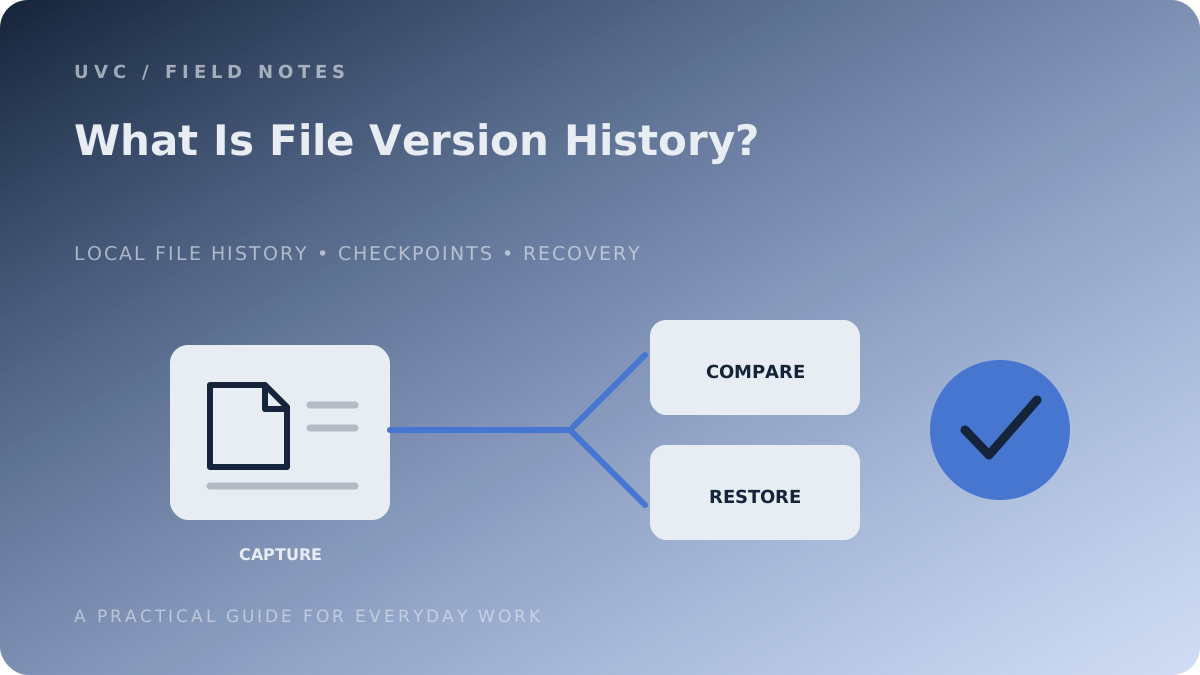
A useful history system should help answer three questions:
- What changed? A timeline or comparison gives context.
- What did it look like before? You should be able to inspect an earlier state.
- Can I recover it safely? You need a clear way to restore or extract the earlier work.
Where can history live?
| Approach | Typical use | What to check |
|---|---|---|
| Inside an application | A document edited in Word or a creative app | Does history cover local files, cloud files or both? |
| Cloud storage | Files in OneDrive, Dropbox or Google Drive | Retention, account requirements and restore behaviour |
| Operating-system backup | Configured Windows folders | Was history enabled and is its destination available? |
| Local folder history | Mixed files in a desktop project | Which folders are tracked and where history lives |
| Source control | Software projects | Does the workflow need commits, branches and merges? |
Microsoft documents File History as a Windows feature for backing up configured folders. OneDrive also provides version history for supported files stored in OneDrive or SharePoint. Those are useful, but different, workflows. [2][3]
What history cannot guarantee
History cannot recover a version that was never recorded. It may also have a retention limit. And if the only history copy lives on the same computer as the working files, losing the computer may mean losing both.
That is why version history and backup belong together. History helps return to a useful working state. An independent backup helps when the device, account or storage location is unavailable.
Where UVC fits
UVC is a local file-history utility for Windows. You choose the files and folders that matter, then use Checkpoints to inspect earlier states and restore work when a change goes the wrong way. It is designed for everyday project files—not as a replacement for Git, cloud collaboration or an off-device backup.
A sensible first step is to choose one folder you edit regularly and ask: “How would I recover this if I overwrote an important file today?”